Guide · Tooling
llama.cpp, run directly
Updated 23 July 2026
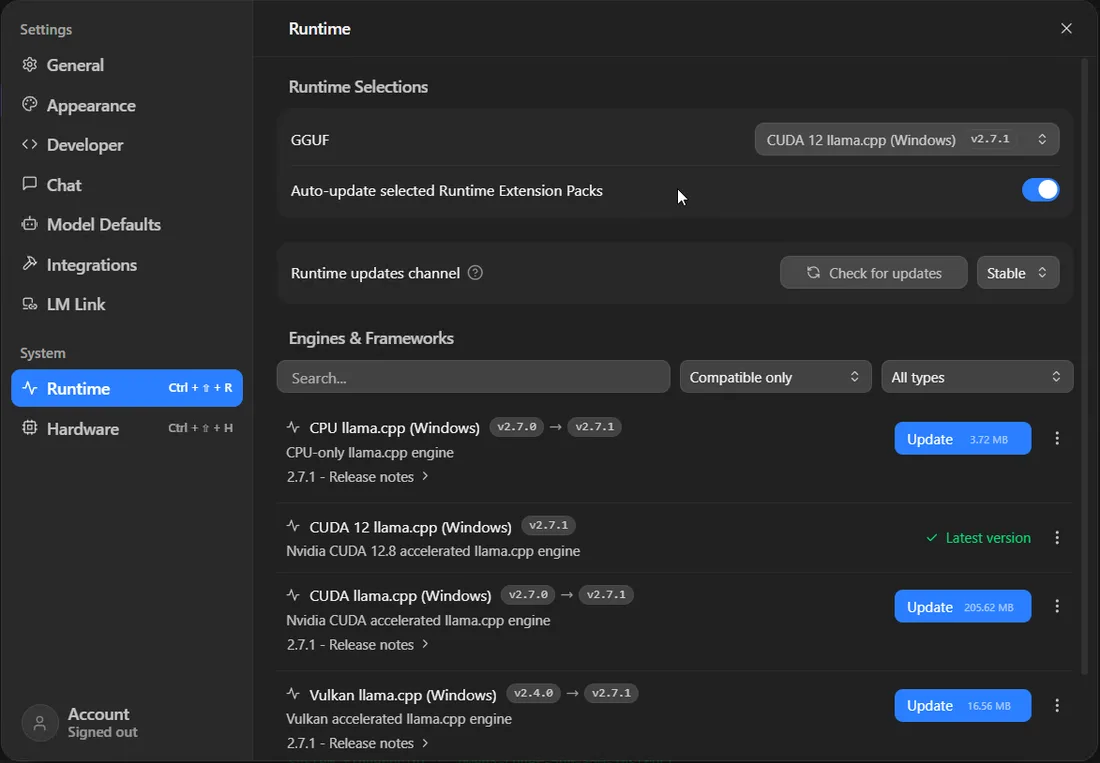
If you are using LM Studio or Ollama, you are already running llama.cpp - they are front ends on top of it. Going direct does not make anything faster, and anyone promising it will is selling something. What it gets you is control, a machine with no desktop, and the ability to see exactly what your hardware is doing.
What it is
A C++ program that runs language models on ordinary hardware. It started as an experiment in getting Llama running on a MacBook and turned into the piece of software most local AI actually rests on. When people say a model "runs on a Raspberry Pi", this is usually how.
Two things made it matter. It runs on the processor when it has to, so no graphics card is a limitation rather than a blocker. And it brought the GGUF file format, which packs a quantised model and everything needed to load it into one file - the reason you can download a single file and it simply works.
Why run it directly
Three honest reasons, and one bad one.
- Headless machines. A model on a server in a cupboard has no use for a desktop application.
- Control. Every knob is a flag. Nothing is chosen for you and nothing is hidden.
- Measurement. It ships with a benchmarking tool that reports prompt processing and generation separately, which is how you find out what your machine actually does rather than what a review said.
The bad reason is speed. Same engine, same model, same settings, same numbers. If a front end seems slower, something is configured differently - nearly always layers left on the processor.
Getting it, without compiling anything
The instinct is to clone and build. You usually do not need to. The project publishes prebuilt binaries for each release, including CUDA builds for Nvidia, Vulkan builds that work across vendors, and Metal for Apple Silicon. Download the one matching your hardware, unzip, done.
Build from source when you want something the binaries do not cover - a specific compute capability, ROCm for an AMD card, or a patch that has landed since the last release. On AMD hardware it is worth trying the Vulkan build before going near ROCm; on Strix Halo in particular Vulkan has been the faster of the two in community testing.
You also need a model. GGUF files live on Hugging Face, and the usual pick is Q4_K_M - roughly half the size of the full weights, with a quality difference most people cannot identify in normal use.
The flags that matter
There are dozens. These are the ones that change your outcome:
| Flag | What it does | Why you care |
|---|---|---|
| -ngl 99 | Offload all layers to the GPU | The single most important flag. Without it you are running on the processor. 99 just means "all of them". |
| -c 8192 | Context length | Costs VRAM, and it grows quickly. Set what you need, not what sounds impressive. |
| -fa | Flash attention | Cuts the memory context consumes. Free on modern cards. |
| -t 8 | CPU threads | Only matters for the parts not on the GPU. Match your physical cores, not threads. |
| --host / --port | Where the server listens | Defaults to localhost. Change it deliberately, not by habit. |
If you remember one thing, make it -ngl. Somebody concluding their graphics card is not up to the job, when the job never reached the graphics card, is the most common failure in local AI by a distance. The tell is quiet fans during what should be hard work.
Running it as a server
The binary you actually want most of the time is llama-server, which exposes an OpenAI-compatible HTTP API and a basic web interface. Compatible matters: anything written to talk to OpenAI will talk to it with a changed base URL, which covers most editor plugins and agent frameworks.
One caveat worth stating plainly. The server has no authentication by default. Bind it to localhost unless you have deliberately put something in front of it - it is not built to face a network, and an open inference endpoint is somebody else's free compute.
Measuring your own machine
llama-bench is the part most people never find, and it is the best argument for going direct. It reports prompt processing and token generation as separate figures, which is the distinction that matters - a machine can be quick to answer and slow to read, or the reverse, and a single tokens-per-second number hides that.
It is also how you check claims, including ours. Everything on our measured benchmarks page came from a harness that records the configuration alongside every result, because a number without its config is not a measurement. Two findings from that data are worth carrying into your own testing: quantisation format made a bigger difference than we expected, up to 2.76x between AWQ and FP8 on the same model, and a mixture-of-experts model beat a dense model twice its size.
If your numbers disagree with a review, your numbers are the ones about your machine.
Coming at this from the other direction? LM Studio gets you running in fifteen minutes with the same engine, and Ollama sits in between if you want an API without the flags.