AI · Buyer's guide
The AI PC buyer's guide
An AI PC is a whole machine built to run models at home, rather than a graphics card you bolt into a PC you already own. There are two ways to go about it, and they suit quite different people. Here's both, and which I'd pick.
What actually decides it
Two numbers, pulling against each other. Memory - how much of it - sets the ceiling on the model you can load at all. Bandwidth - how fast that memory is - sets how quickly the thing answers you. Loads of slow memory fits an enormous model but runs it at a gentle reading pace; less memory that's faster is quick but capped on size.
Everything below comes down to that trade. And my bias, up front: buy the good stuff and keep it for years. The cheap end of this category ages fast and frustrates quickly.
Route one: a small unified-memory box
The clever trick these share is unified memory - one big pool shared between the processor and the AI bits, instead of a separate chunk of VRAM. It's how a machine the size of a paperback holds 128GB for models when a top-end graphics card tops out at 32GB. Small, quiet, sips power, fits huge models. The catch is bandwidth: most of them run that big pool slower than a graphics card would, so they hold a 70B model that a GPU can't touch, then read it out at a gentle pace. Sorted by memory:
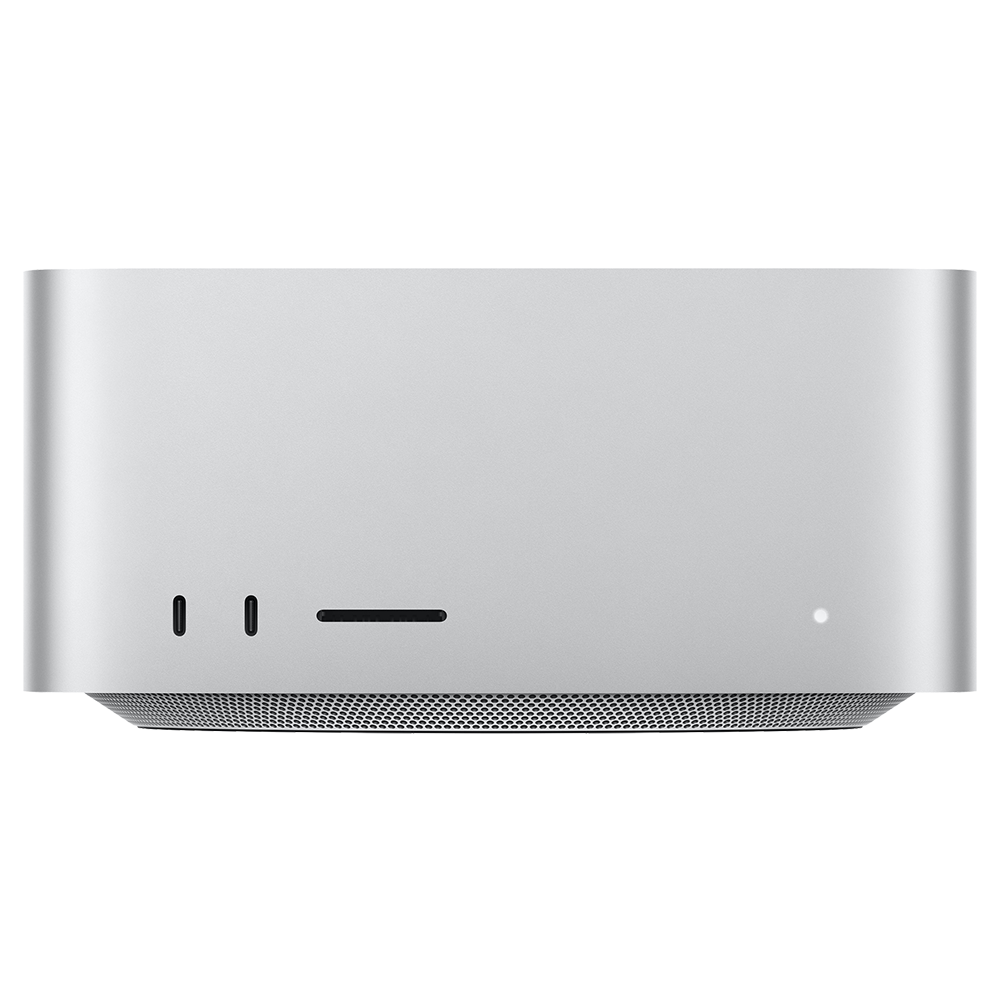
Apple Mac Studio (M3 Ultra)
- Memory
- 512GB
- GB/s
- 819
- ~Q4 fit
- 1020B
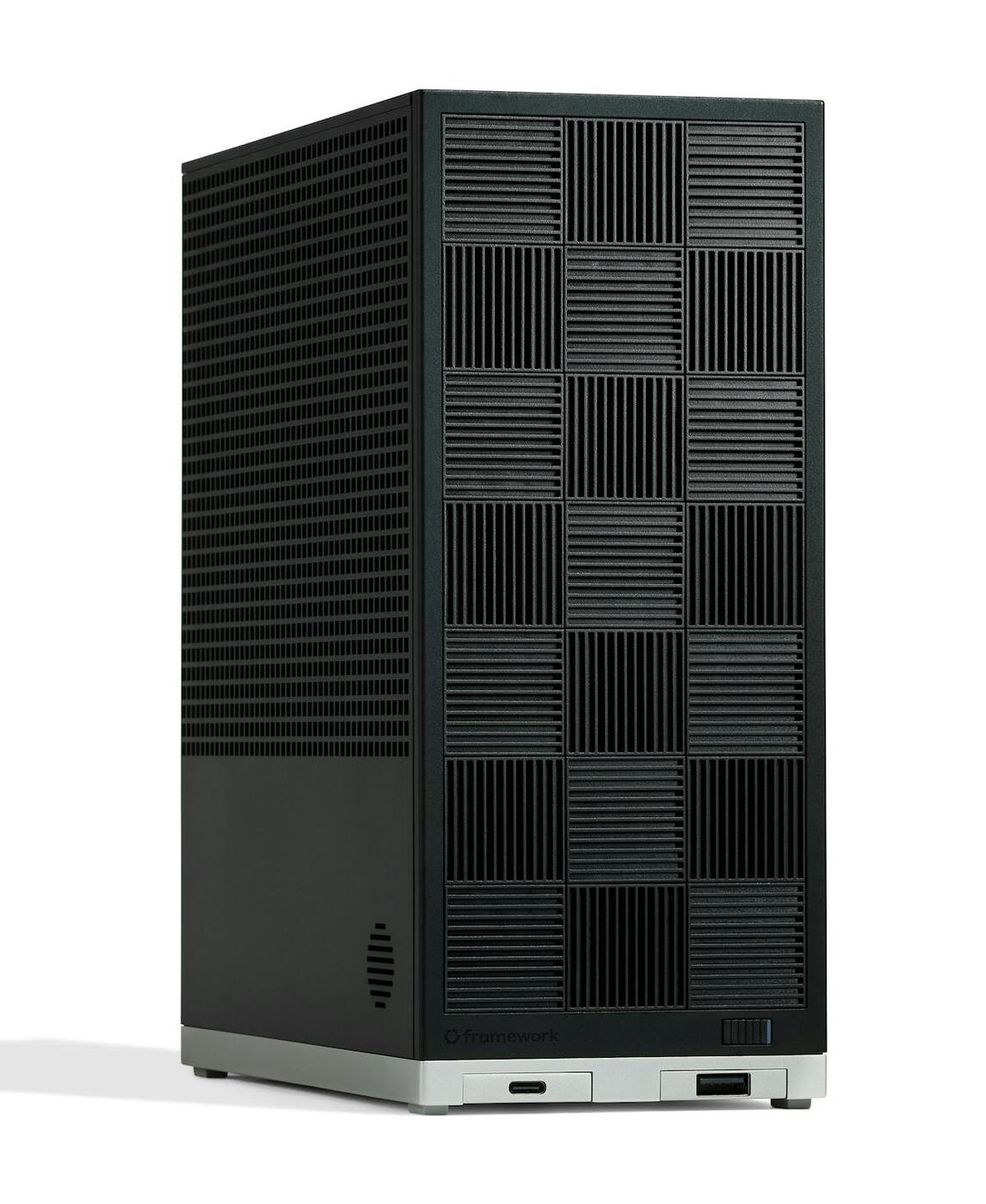
Framework Desktop (Ryzen AI Max+ 395)
- Memory
- 128GB
- GB/s
- 256
- ~Q4 fit
- 252B
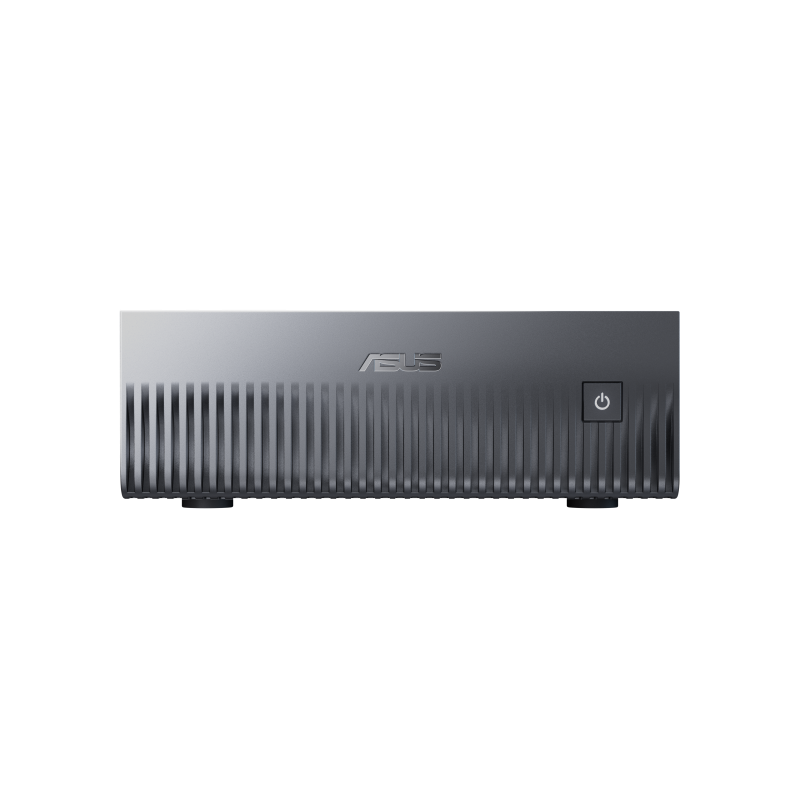
ASUS Ascent GX10 (NVIDIA GB10)
- Memory
- 128GB
- GB/s
- 273
- ~Q4 fit
- 252B
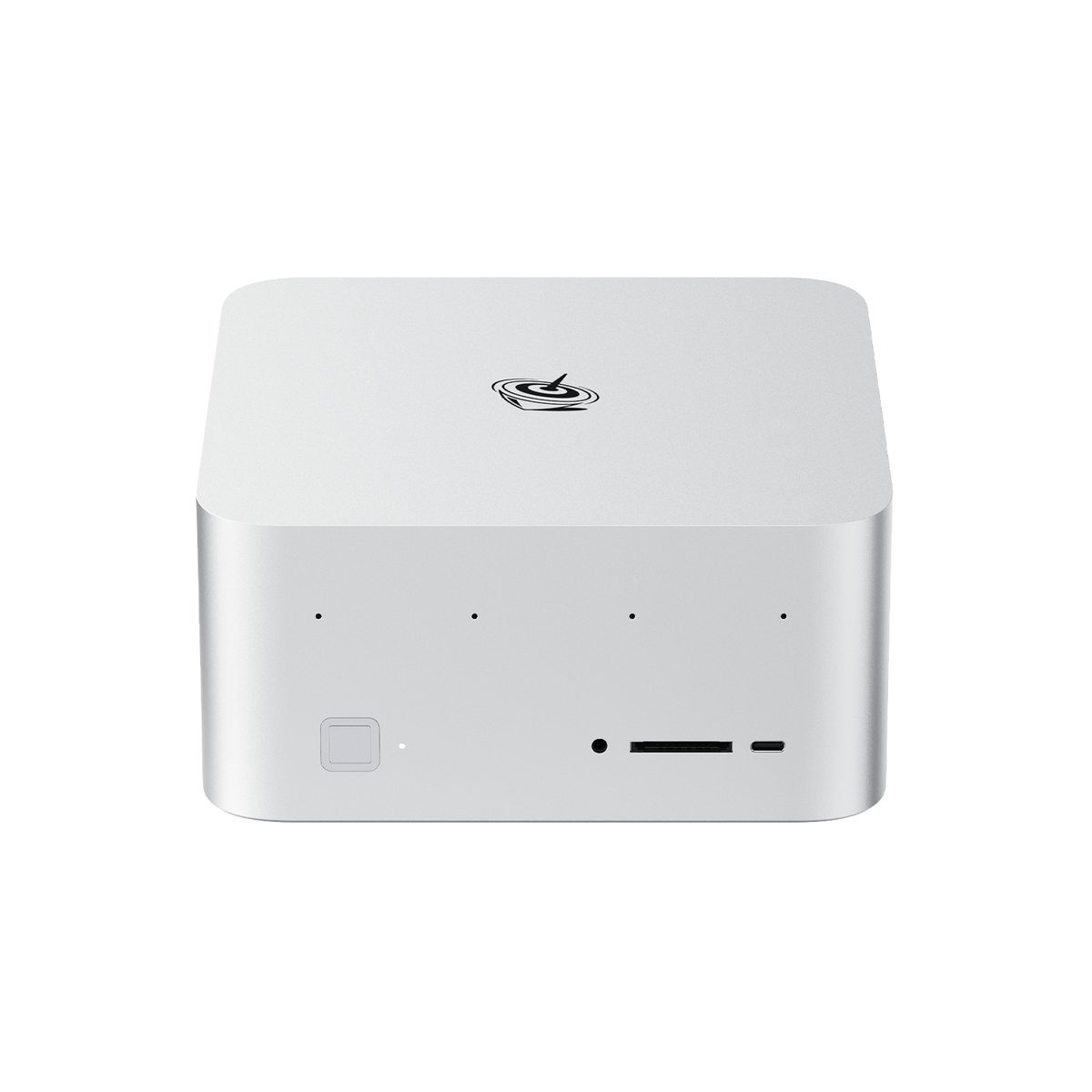
Beelink GTR9 Pro (Ryzen AI Max+ 395)
- Memory
- 128GB
- GB/s
- 256
- ~Q4 fit
- 252B
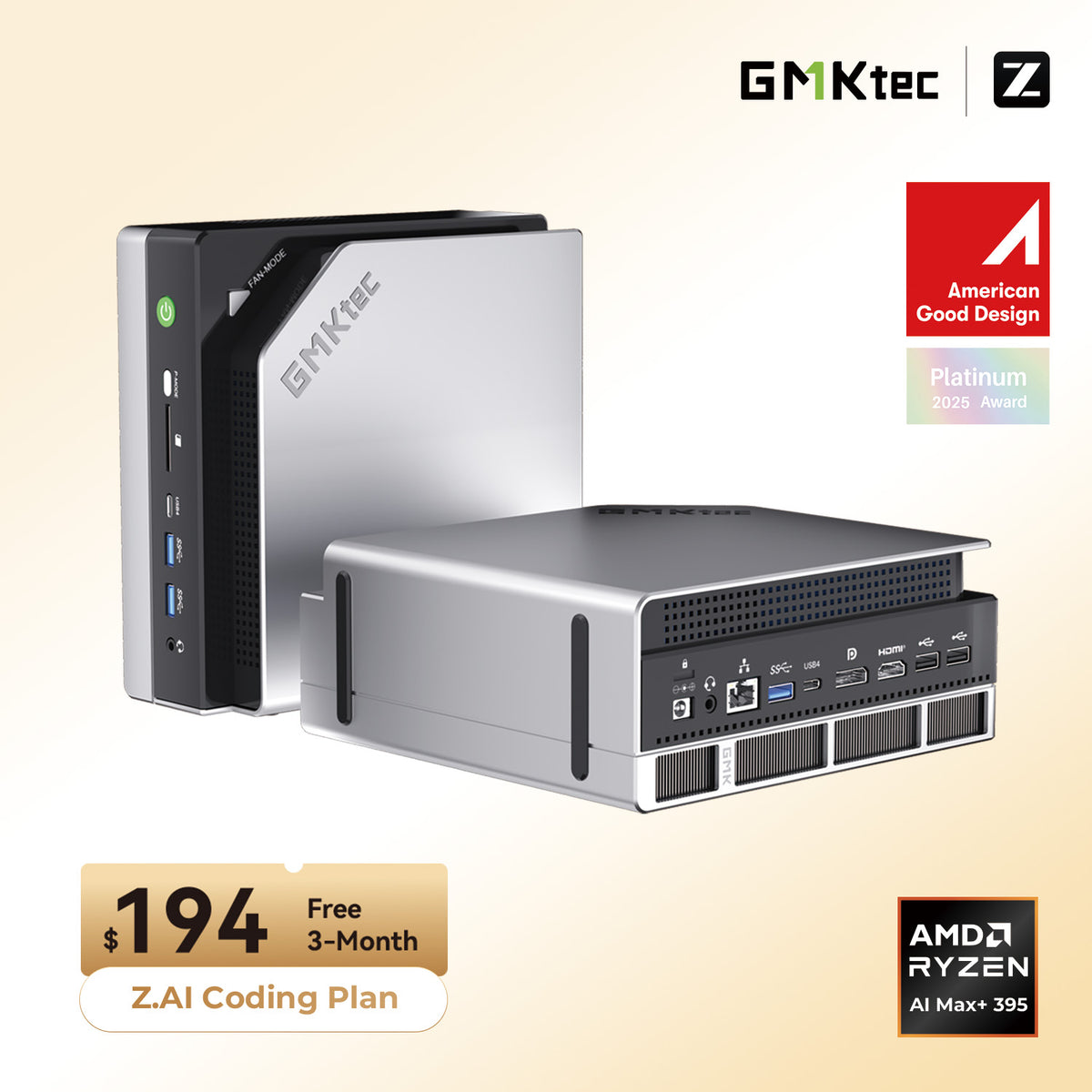
GMKtec EVO-X2 (Ryzen AI Max+ 395)
- Memory
- 128GB
- GB/s
- 256
- ~Q4 fit
- 252B
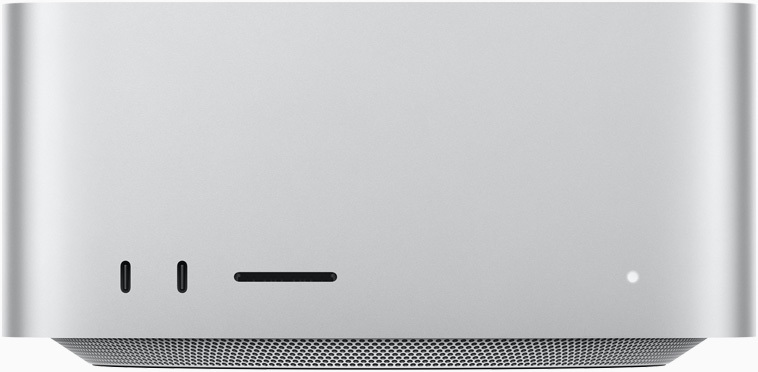
Apple Mac Studio (M4 Max)
- Memory
- 128GB
- GB/s
- 546
- ~Q4 fit
- 252B
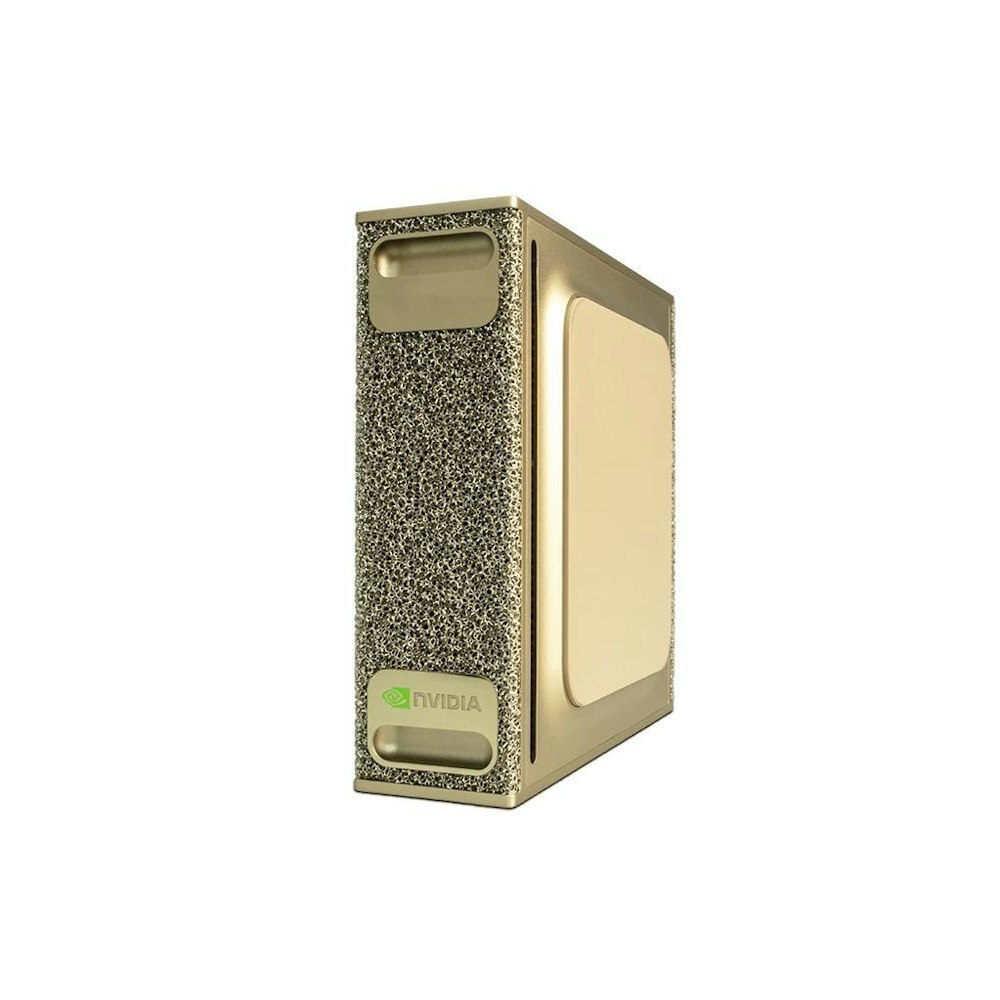
NVIDIA DGX Spark
- Memory
- 128GB
- GB/s
- 273
- ~Q4 fit
- 252B

Apple Mac Mini (M4 Pro)
- Memory
- 64GB
- GB/s
- 273
- ~Q4 fit
- 124B
Route two: a prebuilt tower with a real GPU
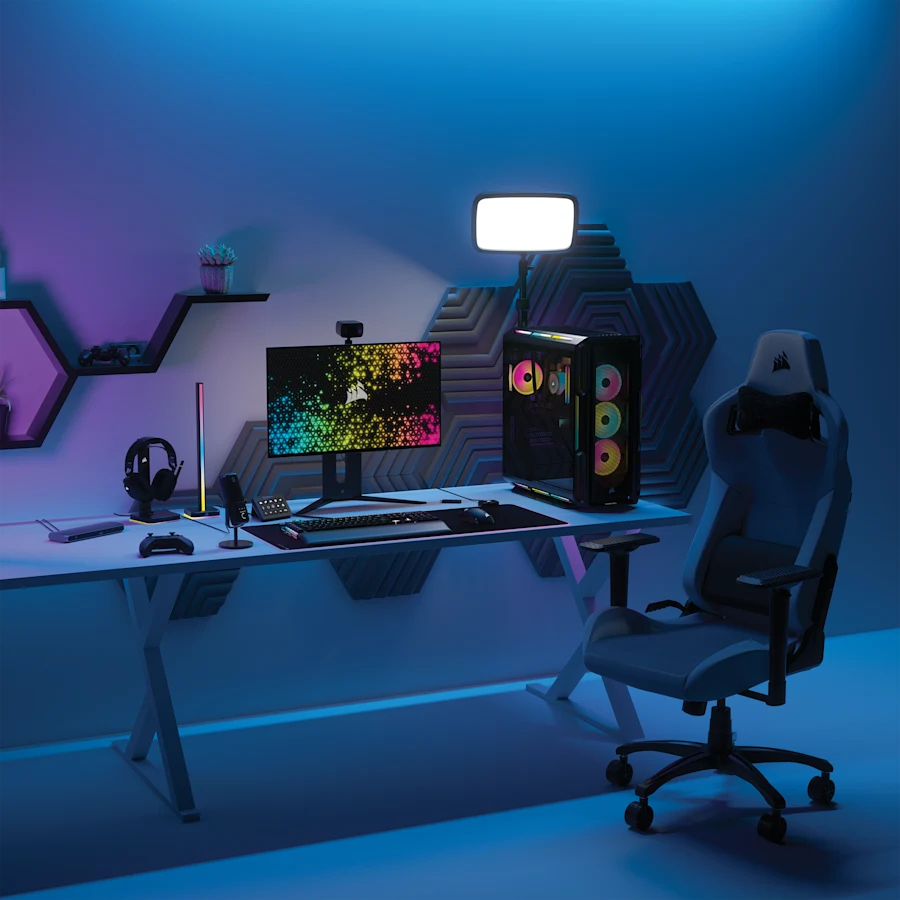
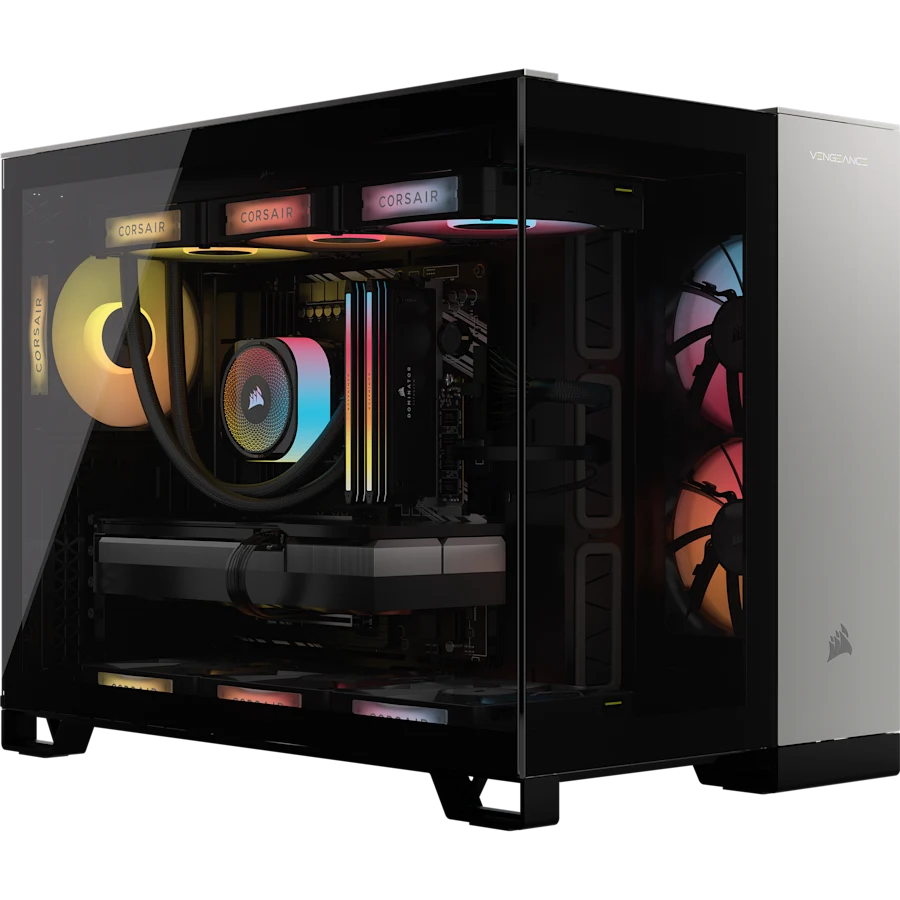
The other answer, and often the faster one. A normal desktop with a discrete NVIDIA card runs models quicker than any of the boxes above once they fit, because a graphics card's memory is properly fast. You're capped at the card's VRAM - 32GB on a 5090 - but within that it flies. Right now the newest cards are hard to buy on their own, so a whole prebuilt sometimes lands closer to sensible than the bare GPU would.
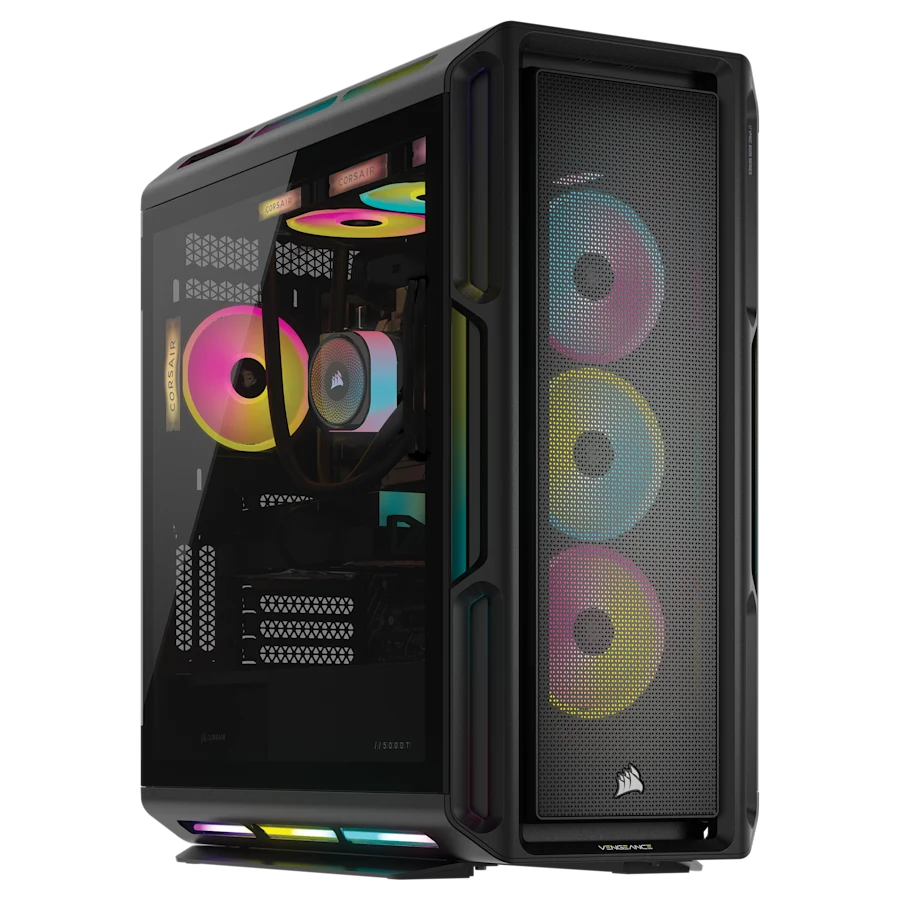 Most memory
 RTX 5090
Corsair VENGEANCE a8200
96GB · 6TB
$8,499
RTX 5090
Corsair VENGEANCE i8300
64GB · 6TB
$7,499
 Best value
 RTX 4090
Corsair VENGEANCE i5200
64GB · 4TB
$5,999
All the prebuilt towers, ranked and specced →
Which should you buy
Want to run the very biggest models - 70B and up - in something small and quiet, and you don't mind a gentle pace? A unified-memory box. The Framework Desktop is the value pick, the Mac Studio the fastest of them if you're happy on macOS, the DGX Spark the one for living in NVIDIA's world.
Want the fastest answers on models that fit in 24 to 32GB, and you'll take a full tower to get them? A prebuilt with a 4090 or 5090. Quicker, cheaper per token, and it doubles as a proper workstation.
And if you already own a decent PC? Don't buy a whole machine at all. Drop a good card in the one you've got - the GPU comparison ranks them - and a used 3090 will run most things for a third of the money. Run your models through the VRAM calculator first, either way, so you're buying for what you'll actually load.