Guides · Buyer's guide
The best prebuilt AI-ready PC
Updated 18 July 2026 · about a 9 minute read
I build my own machines, and every one of them started as a pile of boxes on the kitchen table. Not everyone wants that. A prebuilt tower with a real graphics card is the least fiddly way into local AI, and right now, oddly, buying the whole PC is often the sane way to get hold of a 5090 near a sensible price. This page covers which specs earn their keep for AI, and which of these Corsair machines I'd buy.
This is the other route to local AI. If you want a small, silent box that holds enormous models, that's the unified-memory AI PC guide - DGX Spark, Ryzen AI Max, Mac Studio. This page is about the classic answer: a powerful desktop with a discrete NVIDIA card in it, which is still what most tools are built for and what runs models fastest once they fit.
Prebuilt or build it yourself?
I'd usually tell you to build - it's cheaper and you learn a lot. But in 2026 the newest cards, the 5090 especially, are hard to get on their own and silly money when you do find one. The big system builders get GPU allocation the rest of us can't, so a whole machine sometimes lands closer to sensible than the bare card would. And if cable management and BIOS updates fill you with dread, a prebuilt with a warranty and one phone number to call solves that too.
The catch is you pay for the convenience and the rest of the parts, and you can't always see whether the deal's a good one. So before you buy, it's worth knowing which bits of the spec sheet do the work for AI.
What makes a PC good at AI
Most of a gaming PC's spec sheet barely matters for running models. Here's the short version of what does, roughly in order.
- The GPU, and its VRAM, above everything. The amount of video memory on the card decides which models fit at all - 12GB is the floor for anything interesting, 16GB is comfortable, and more is always better. The RTX 5090's 32GB and the 4090's 24GB are both properly useful here.
- NVIDIA, for a quiet life. A lot of AI tools are still built NVIDIA-first. AMD and Intel cards are catching up and can be great value for gaming, but if you don't want to check whether each new tool supports your card, an NVIDIA GPU saves you the bother. That's why every machine on this page is NVIDIA.
- Plenty of system RAM, for the big stuff. When a model is too big for the card, you can spill the overflow into ordinary system memory. It runs slower that way, but it runs. This is why 64GB is the number I'd want, and why the 96GB machine here is more interesting for AI than its price-tag sibling - get your VRAM and RAM combined up past 80GB or so and you can nurse a top-tier model along, slowly, that a 32GB card can't hold on its own.
- A big, fast SSD. Model files are enormous and they pile up fast once you start collecting them. The 4TB and 6TB drives in these builds aren't overkill - they're about right if you like trying things.
- The CPU barely matters. For pure AI work, almost any modern processor is fine. Don't pay a premium for it. It matters if you also game or do 3D work, which is the real reason these ship with a Ryzen 9 or a Core Ultra 9.
Our VRAM calculator will show you exactly what a given card holds, if you want to sanity-check the numbers before you spend.
A walk-through worth watching
If you'd like all of that explained properly, with the trade-offs and the current prices, this unsponsored walk-through covers the parts one by one. The bit that stuck with me: the chap's own 4090 died after two years and, with prices where they are now, he still hasn't been able to replace it. A good reminder that the connector on these cards is worth respecting, which I come back to below.
Source: AI Voice Tutor - The best hardware for local AI - a hardware jungle guide. The figures he quotes are his own, from the day he filmed it.
The machines worth buying
These are pulled from the live Corsair feed and sorted so the standouts sit up top. Prices are US, and they move about, so each one links straight to the current page - always check before you buy. I've flagged the two I'd recommend, with one caveat up front: I haven't had any of these towers on my bench (my own machine is self-built), so the picks are worked from the spec sheets and the pricing. What a spec sheet can't tell me is how loud each one gets under sustained inference, and I haven't found a measurement of that I trust yet.
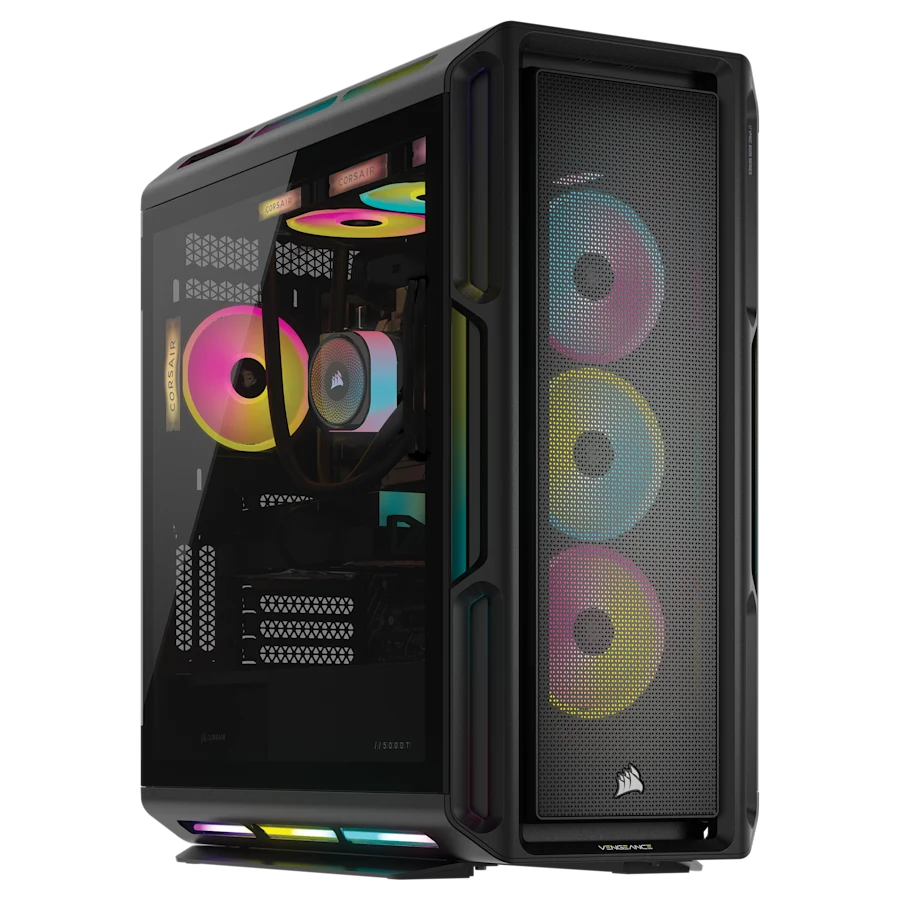 TOP PICK · BIG MODELS 32GB VRAM
 The big-memory one
Corsair VENGEANCE a8200
- GPU
- GeForce RTX 5090
- CPU
- AMD Ryzen 9 9950X3D
- Memory
- 96GB DDR5
- Storage
- 6TB NVMe SSD
- OS
- Windows 11 Pro
~£6,400
$8,499.99 at Corsair
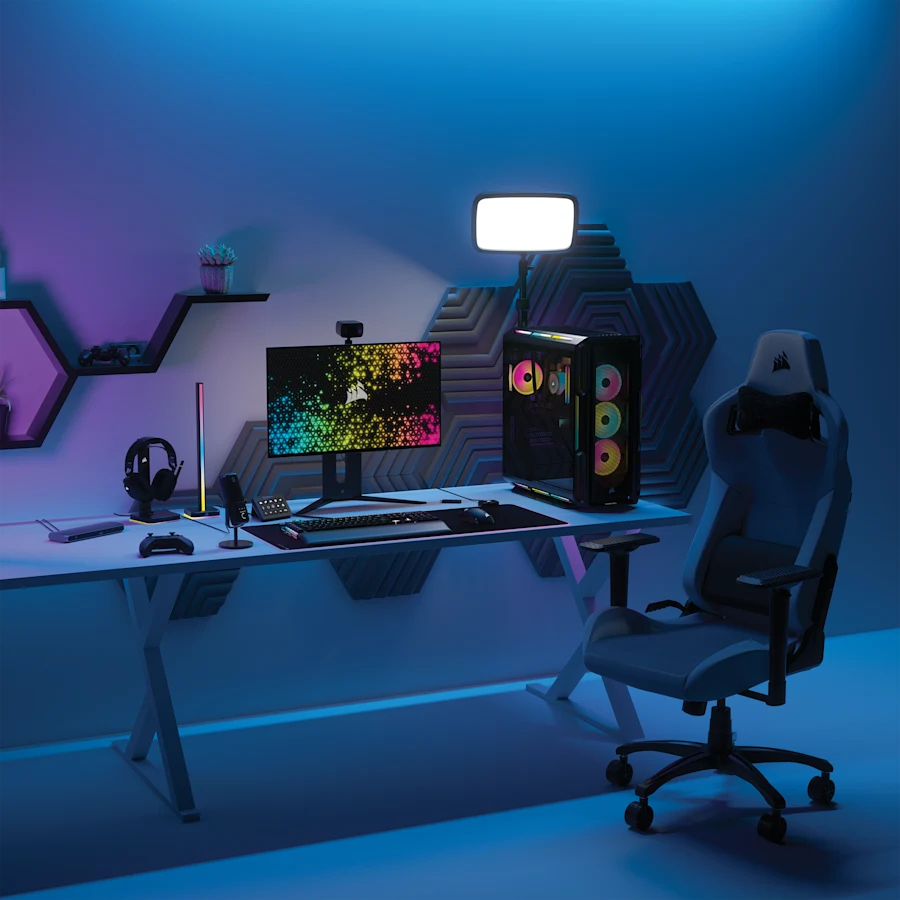 32GB VRAM
 Latest Intel + 5090
Corsair VENGEANCE i8300
- GPU
- GeForce RTX 5090
- CPU
- Intel Core Ultra 9 285K
- Memory
- 64GB DDR5
- Storage
- 6TB NVMe SSD
- OS
- Windows 11 Pro
~£5,600
$7,499.99 at Corsair
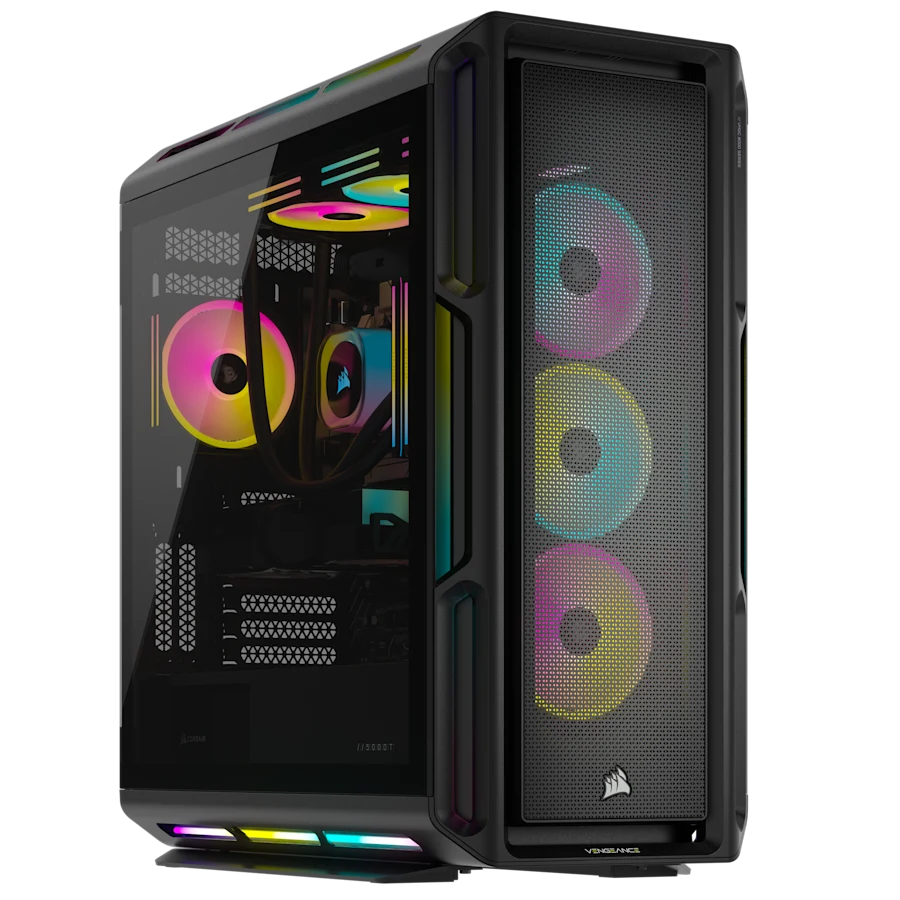 24GB VRAM
 RTX 4090, still brilliant
Corsair VENGEANCE i8200 iCUE LINK
- GPU
- GeForce RTX 4090
- CPU
- Intel Core i9-14900KF
- Memory
- 64GB DDR5
- Storage
- 4TB NVMe SSD
- OS
- Windows 11
~£5,600
$7,499.99 at Corsair
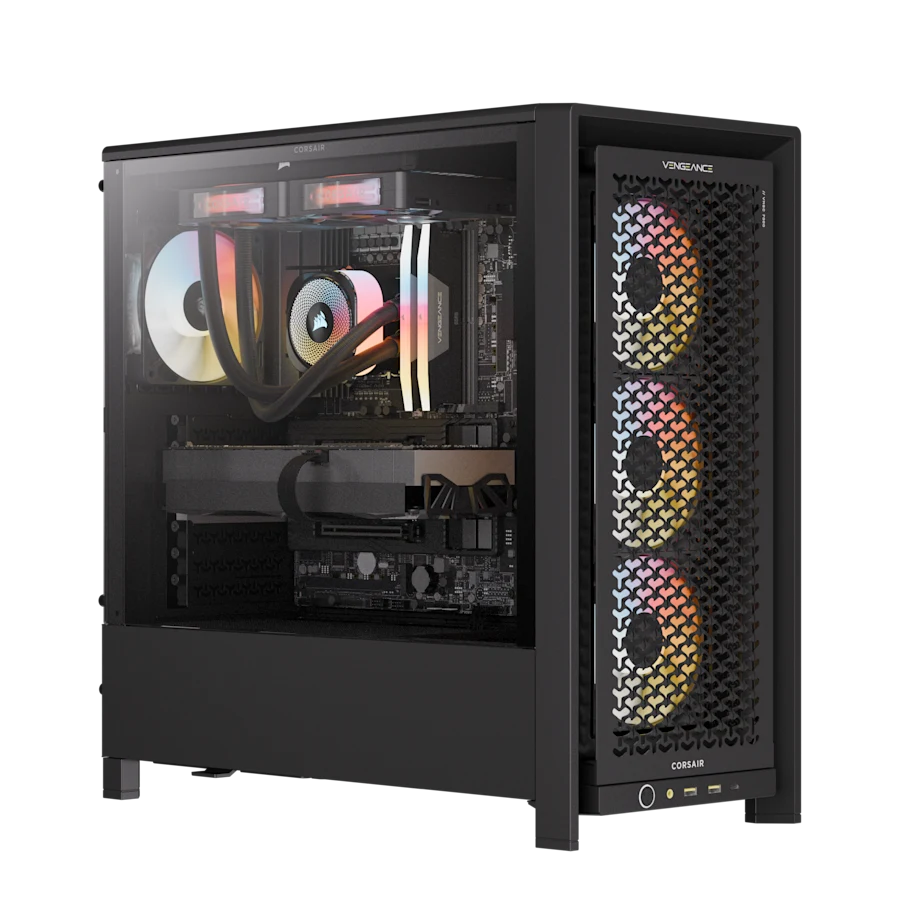 32GB VRAM
 Airflow-first 5090 build
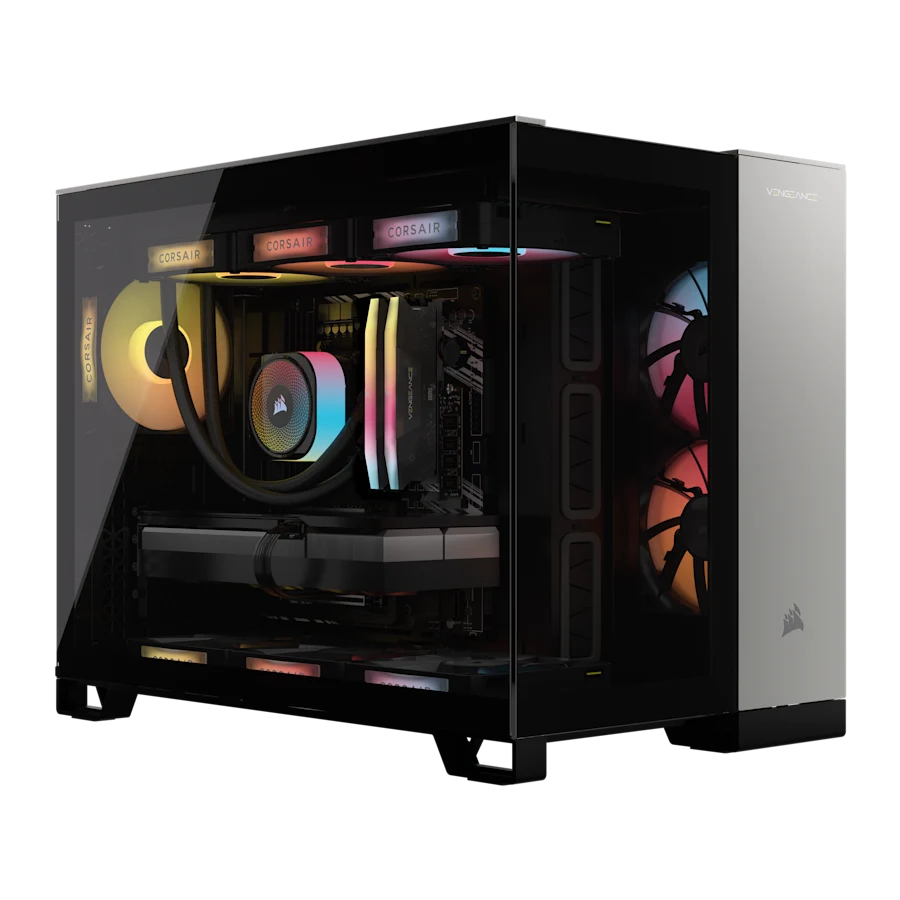
Corsair VENGEANCE a7500 AIR
- GPU
- GeForce RTX 5090
- CPU
- AMD Ryzen 9 9950X3D
- Memory
- 64GB DDR5
- Storage
- 4TB NVMe SSD
- OS
- Windows 11 Home
~£4,950
$6,599.99 at Corsair
 32GB VRAM
 Cheapest way to a 5090
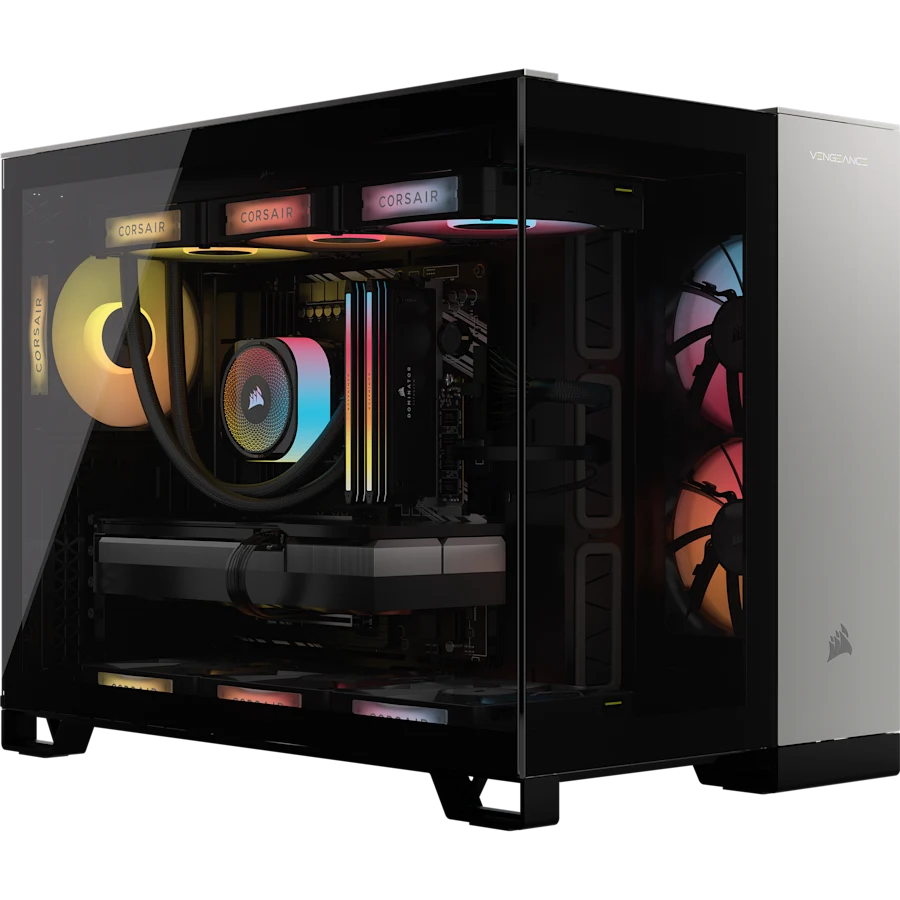
Corsair VENGEANCE a5100
- GPU
- GeForce RTX 5090
- CPU
- AMD Ryzen 9 9900X3D
- Memory
- 64GB DDR5
- Storage
- 4TB NVMe SSD
- OS
- Windows 11 Pro
~£4,700
$6,299.99 at Corsair
 BEST VALUE 24GB VRAM
 Best value 4090 here
Corsair VENGEANCE i5200 iCUE LINK
- GPU
- GeForce RTX 4090
- CPU
- Intel Core Ultra 9 285K
- Memory
- 64GB DDR5
- Storage
- 4TB NVMe SSD
- OS
- Windows 11 Pro
~£4,500
$5,999.99 at Corsair
Prices and specs from the Corsair product feed, captured 18 July 2026 (USD). Which AI PC may earn a commission on these links, at no cost to you.
Which one I'd pick
Two of these stand out, for opposite reasons.
If AI is the actual point and you want to run the biggest models you can, the VENGEANCE a8200 with 96GB is the one. The 5090's 32GB of VRAM is the fast bit, and that huge slab of system RAM behind it is what lets you offload a huge model and keep it running, slowly, rather than hitting a wall. Nothing else here has that headroom.
If you want a very good local-AI machine without paying 5090 money, the i5200 with a 4090 is the value pick. The 4090's 24GB still runs an awful lot of very good models well, it's a proven card (my own bench runs on a pair of 4090s, albeit modded to 48GB each), and it's the cheapest way onto this list. For most people getting started, 24GB is plenty until you're sure you need more.
And if the models you care about all fit in 24GB anyway, you might not need any of this. A used RTX 3090 dropped into a PC you already own runs them fast for a fraction of the money.
Before you spend
- 32GB of VRAM is a lot, but it isn't limitless. Even a 5090 won't hold a 70B model at full quality on the card alone - that's where the system RAM offload comes in, and it's slower. If huge models are your whole reason, look hard at the 128GB unified-memory boxes too.
- Respect the power connector. The 12VHPWR plug on 40 and 50-series cards has a history of running hot and, occasionally, melting when it's not seated properly. In a prebuilt it's fitted for you, which is one less thing to worry about, but check it's fully home if you ever open the case.
- These are US prices, and they wander. The feed is Corsair's US store. Availability and the number on the tag both move week to week, so treat the figures here as a snapshot and click through for the live one.
- The i8200 uses last year's Intel chip. The 14900KF is a generation behind the Core Ultra machines. It's still quick and completely fine for AI, where the CPU barely matters - just don't pay a flagship premium expecting the newest silicon.
For most people who want local AI without the build, one of these towers will do the job. Buy for the VRAM and the RAM before anything else on the sheet. Run your models through the calculator first, and pick the card that fits them with a bit of room.